Linux


What's Linux?
- Linux is an Operating System (like , , )
- Unix-like ()
- Multiple platforms: x86 (pc), ARM (raspberry pi), …
- Android is based on Linux
- Created by Linus Torvalds in 1991
- Open Source since the beginning (Use, Study, Share, Modify)
Why would I like to use Linux?
- Freedom - Software Libre, you can customise it as you like
- Resources - Can run it on old hardware
- Learning - You can study how it's built
- Employability - It runs the internet and HPCs
- Money - It's free
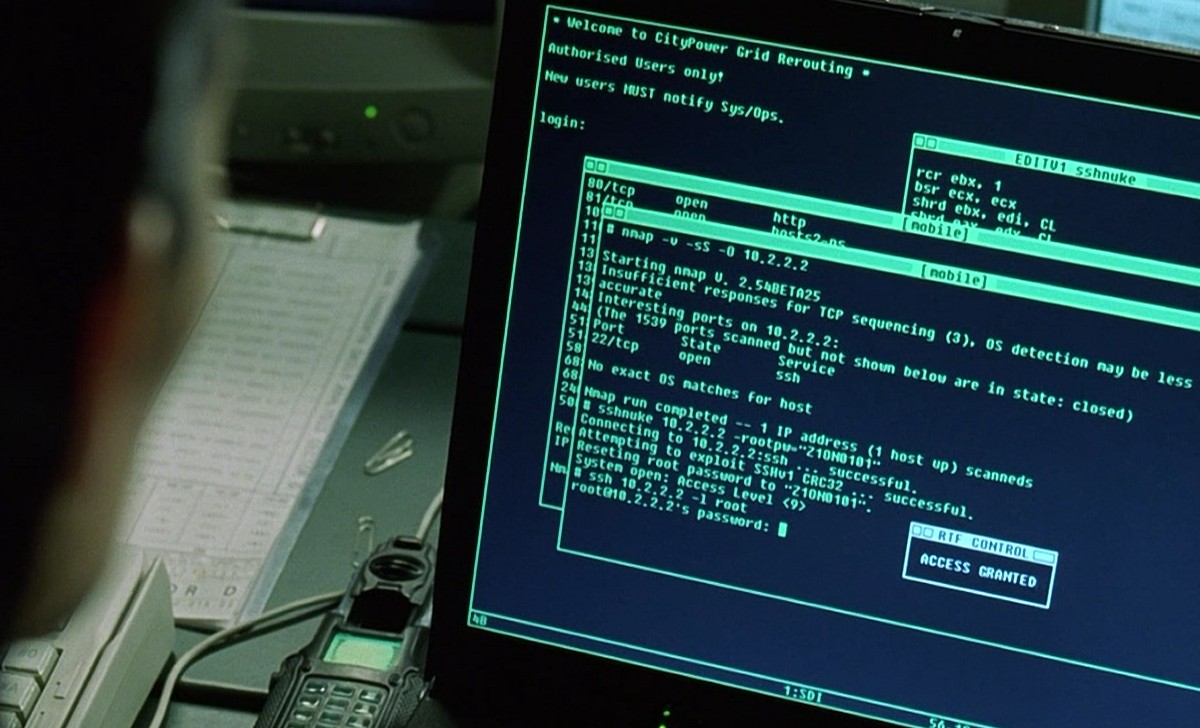
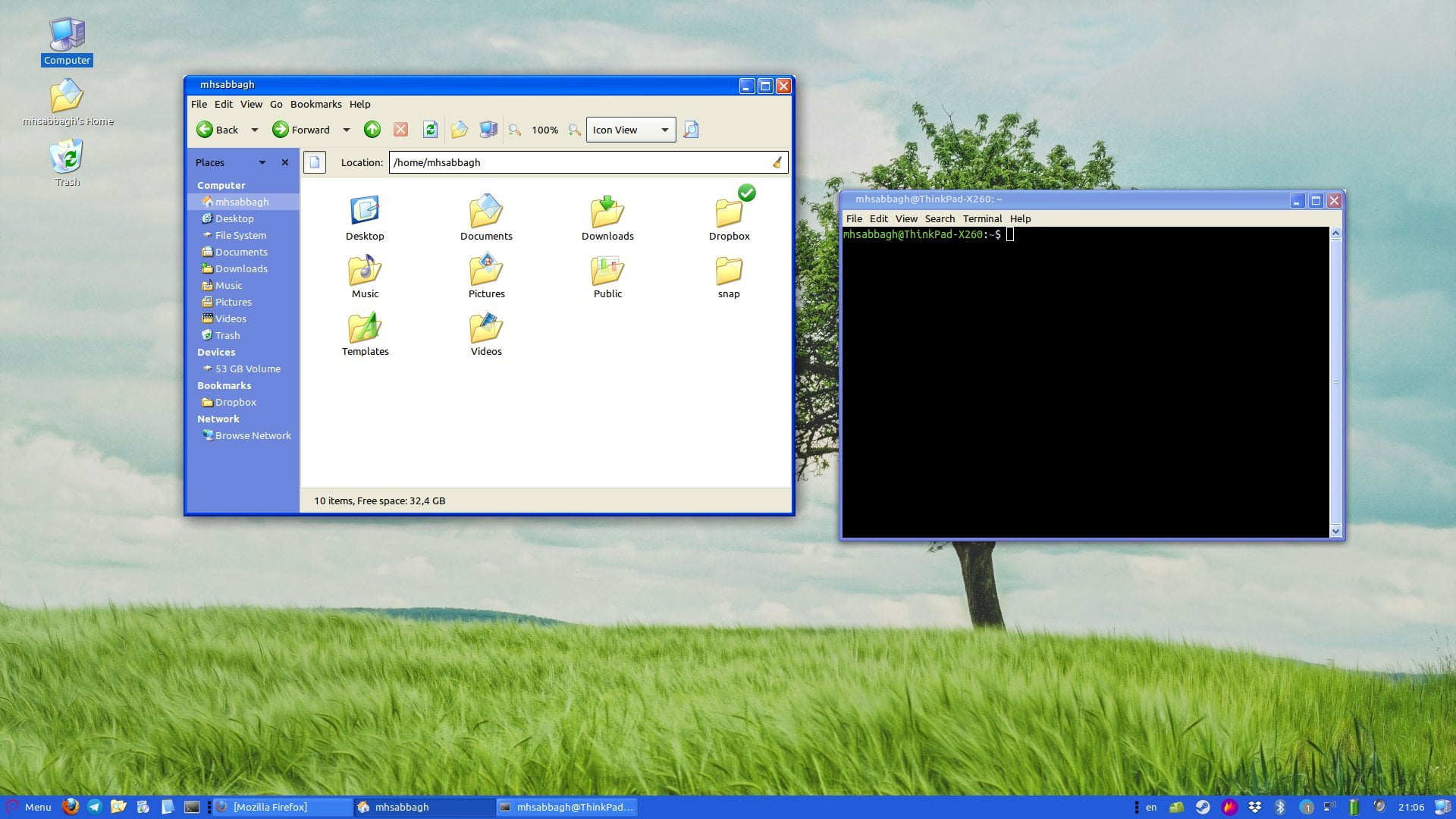
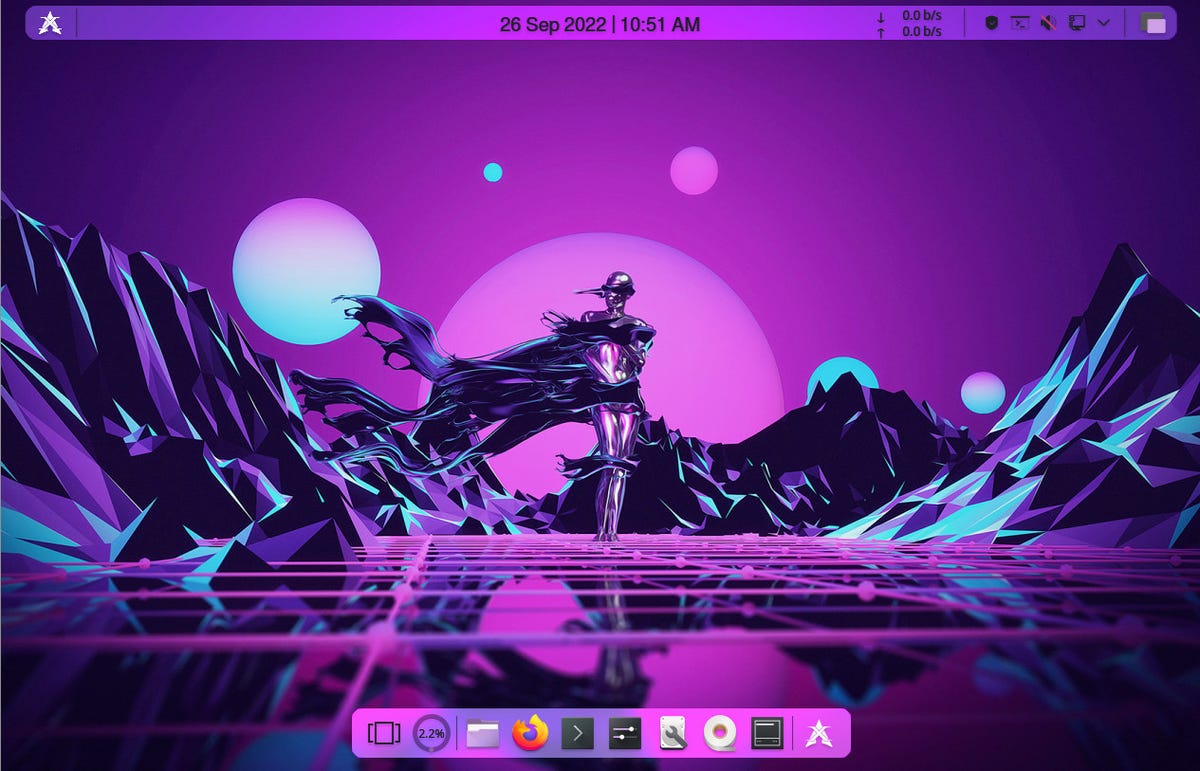
How does it look? 🎨

Flavours 😋

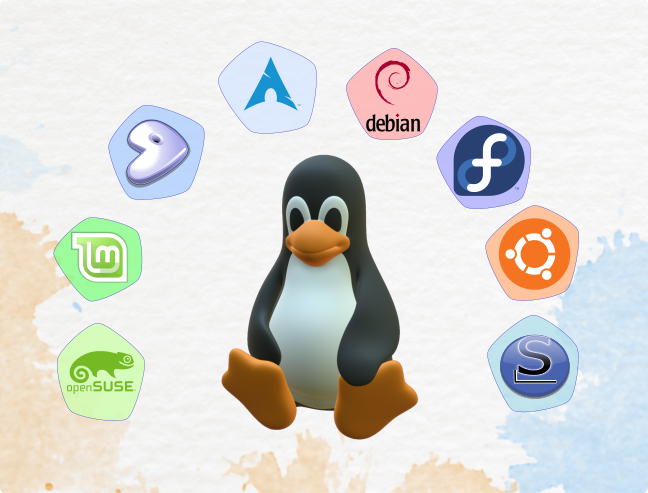
Flavours 😋 - what are they?
- Distributions (Distros)
- Installation of programmes
- Some generalists, others domain specific (pre-installed software)
Flavours 😋 - How to choose?
- Community size
- Support
- Pre-packaged software
- expertise
- adventurous
Flavours 😋 - Levels
How to start?
- On the web - distrosea
- Virtual Machine
- Livedistro (USB)
- Installed (single or dual-boot)
- Windows Subsystem for Linux
Let's do it!
Virtual Machines
- Download a Virtual Machine software (VirtualBox, QEMU, VMWare)
- Load the iso file :cd:
- Decide how much resources you want to give (disk size, RAM)
- Follow the installation instructions
Live Distro
- Download ventoy
- Install ventoy into a blank USB pendrive
- Copy the iso file 💿 in ventoy's USB pendrive
- Restart the computer with the USB in
- Press
F10,F1,F2,enter, … to choose to boot from the USB - Enjoy
Installed
- make a backup of your system
- Follow the install menu
- Decide how to partition the disk
- Reboot after the installation has finished
- Select linux from the menu
- Enjoy
Disclaimer
Installing Linux is trivial on most hardware these days, but please note: Whether you install Linux today on your hardware remains your choice. We will provide information and do our best to guide you through the installation if you choose to go ahead. We cannot be held responsible for any loss of data or other device failures.